The "we're too small" excuse
Every team we've worked with under 10 people says the same thing: "We don't need a design system yet. We're too small." Then they spend hours debating button styles in PR reviews, recreating components that already exist in another part of the app, and fixing visual inconsistencies that users notice but nobody owns.
A design system isn't a luxury for big companies. It's a time-saving tool for any team shipping UI.
Start with tokens, not components
Most design system guides start with building a component library. That's backwards for small teams. Start with design tokens — the smallest decisions that affect everything:
- Colors: 5 colors max. A primary, a secondary, a background, a text color, and an accent.
- Spacing: 4px base unit. Use multiples: 4, 8, 12, 16, 24, 32, 48.
- Typography: 2 fonts max. One for headings, one for body. 4-5 sizes.
- Border radius: Pick one value and use it everywhere. Consistency beats variety.
Put these in CSS custom properties. Done in an afternoon.
Then add 5 components
After tokens, build exactly 5 components: Button, Input, Card, Modal, and Badge. These cover 80% of your UI needs. Each component should have 2-3 variants max.
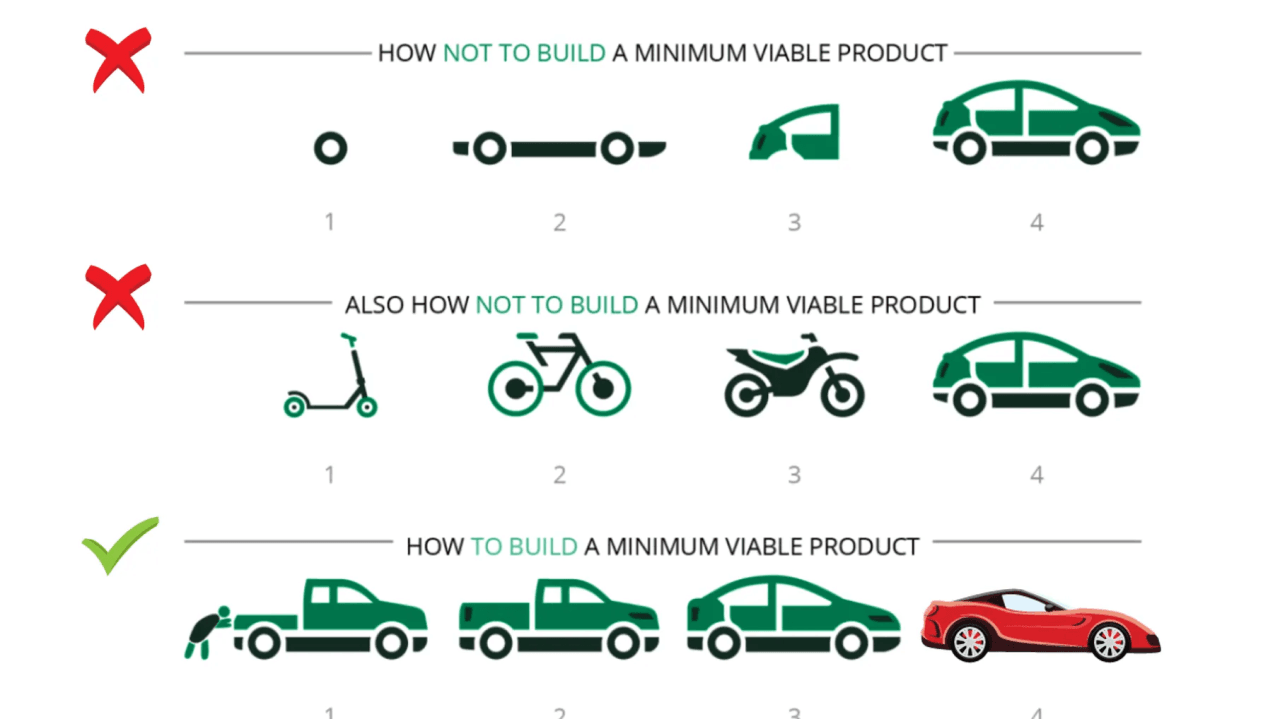
Don't abstract too early. Copy-paste is fine until you've used a pattern 3+ times. Then extract it.
Document with usage, not specs
Nobody reads Figma specs. Instead, document each component with a single example showing the most common usage. Put it in a living HTML page that imports your actual CSS. If the documentation looks wrong, your code is wrong.
The maintenance rule
Every Friday, spend 30 minutes reviewing new UI added that week. Does it use existing tokens and components? If not, either the new UI is wrong or the system needs updating. This 30-minute ritual prevents drift.